
Change, Technology, & Adventure
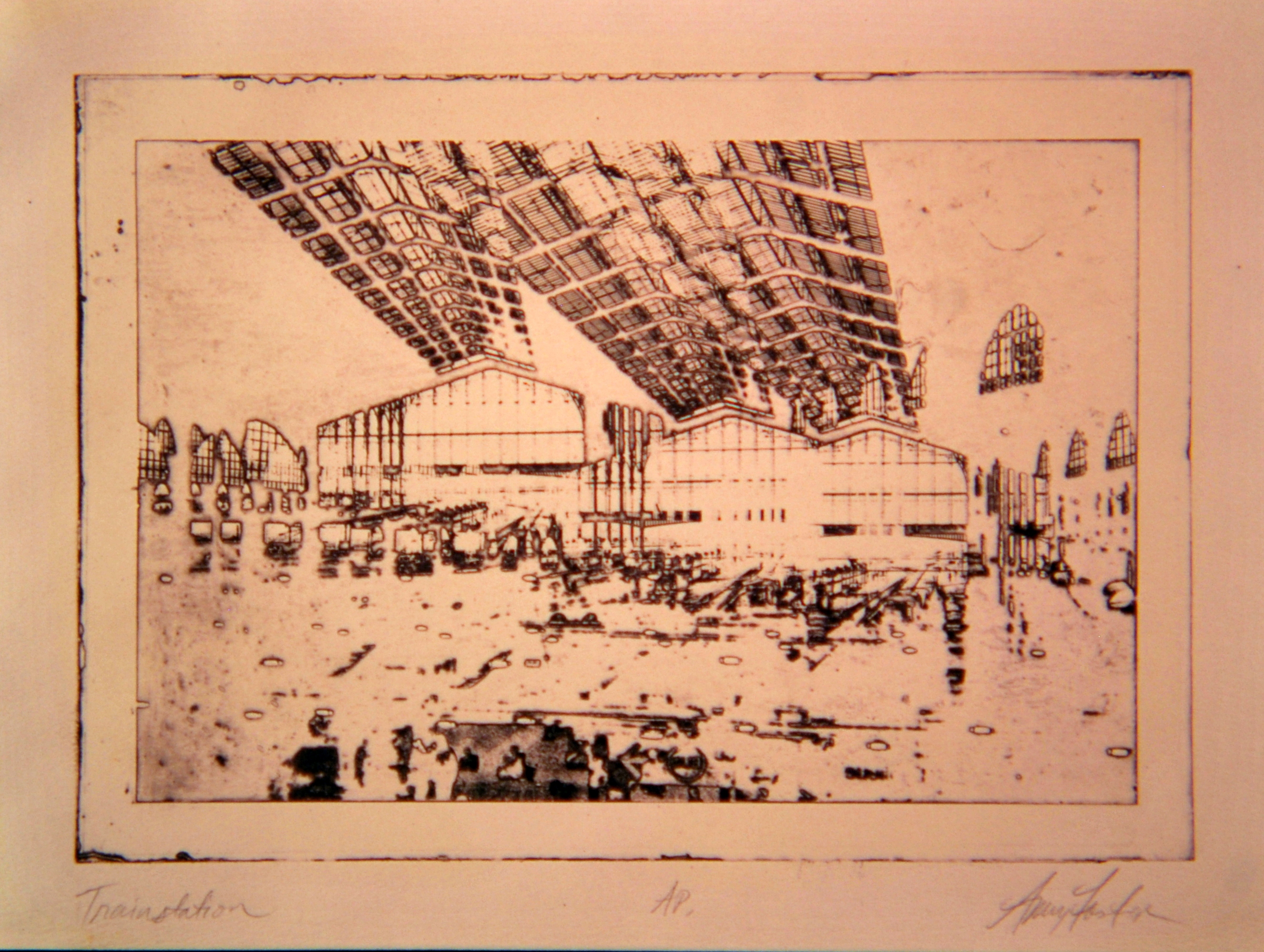
The train station is the most basic of places. Its purpose is obvious to those passing through to catch a train north or south, east or west. But the train timetable can invoke adventure and even in the case of Marcel Proust, a good sleep.
When I ponder the changes in our world that involve technology I often remember traveling by train before the internet existed. I would scan through the paper timetables and imagine the train stops along the way from Paris to Madrid or Munich to Budapest. I read the tables like a novel, imagining and fantasizing about places, people, food, markets, and long walks through crooked alleyways with shop windows and curiosities. The paper timetable was like a map to exotic places and adventure. When I created the intaglio print above called “Trainstation” back around 1994, the internet was starting to blossom but I never imagined that technology would drastically alter the simplest pleasure of the train timetable for me or basically alter my daily life and the way I work. A few years ago I stumbled upon a lovely book “How Proust Can Change Your Life” by Philosopher Alain de Botton. On page 44 I discovered that Proust too had similar ideas about train timetables. (de Botton) The connection stirred my curiosity and as I read more of the book and some of his work. I began to learn about his theories of art and the role of the artist in society. It got me thinking about change, technology and what the future might hold.
Coding, Information, & Technology of My Youth
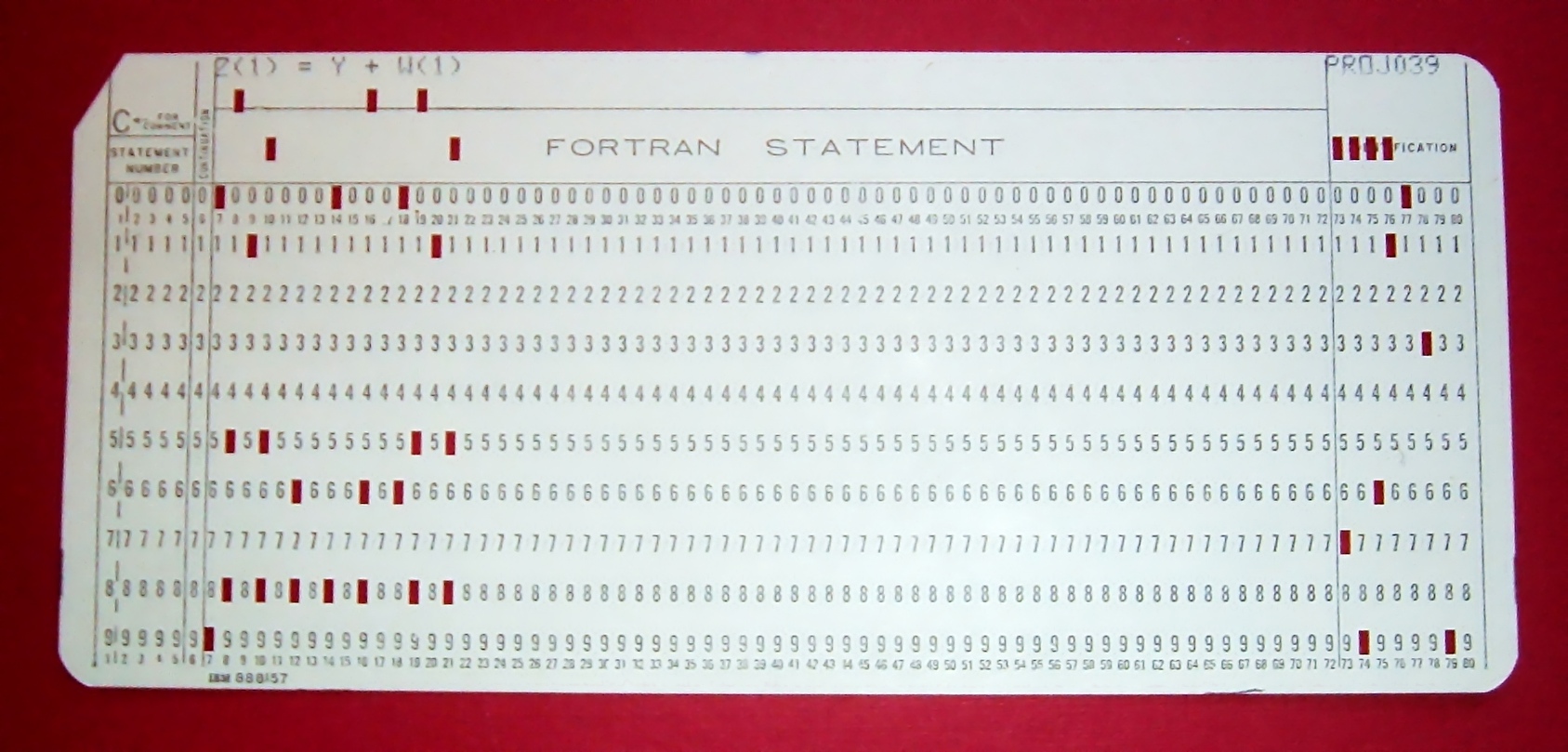
When I was a child, We had stacks of these computer punch cards around the house that my dad brought home from work. Basically, these held codes to run computers in the General Motors plant where he was a computer programmer and systems analyst. To me, they were perfect for making flip book comics on. My father used to explain the advantages of computers and technology to me and my siblings. He bought us a home computer in 1980 and he programmed it with Word Perfect and we had large floppy disks with games and programs. He visited our schools to talk about binary code and its applications. He brought in hardware and discussed the future of computers. I don’t think my peers or teachers had a true grasp of the changes that were to come with education and technology. I could feel it though when my dad talked about his work. (Read more about the application of punch cards here.)
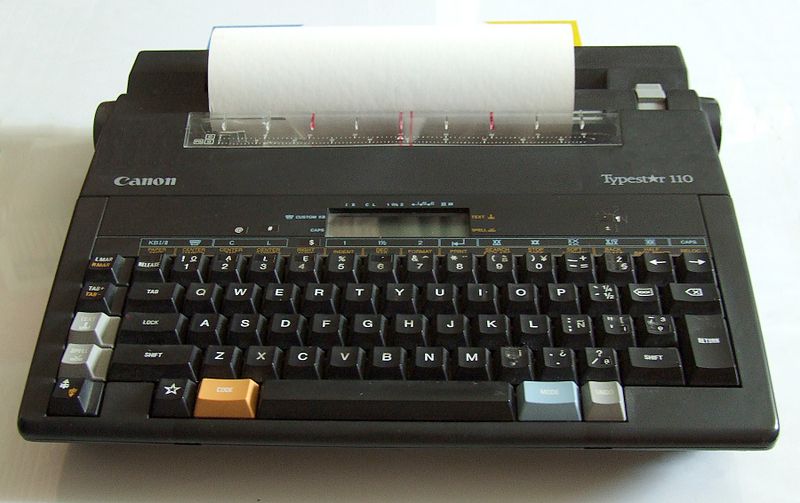
During my undergraduate days, I typed 20-page papers on a “new style” typewriter like the one pictured here. It could hold 10 pages in its memory. I could scroll through the text to proof one line at a time on a small screen. I would type the first 10 pages, proof them, print them, proof them, make changes, then delete it all so I could type the rest. It was a challenge and one that today’s youth do not understand because the technology available for academics and daily life has changed so dramatically and for the better!
The Basic Suite in Education
When I think of the traditional “Basic Suite” for learning I usually think of Microsoft Office that includes Word, Powerpoint, & Excel. These tools have been around for the entire time I have been teaching but they were in their infancy when I was a pre-service teacher. They were clunky and I needed a keyboard cheat sheet for shortcuts. The transition from clunky to functional happened quickly and today these tools are highly effective in my teaching practice. Students use them daily and as a school, we rely on the basic suite to run our educational programs effectively.
What Tech Suite Tools Do I Use As An Art Instructor?
Office 365 is the suite our school uses the most. My instructional content and collaboration is done mainly through OneNote and sometimes through Teams. Onenote is embedded within Teams as a new feature so IT can construct class rosters and manage OneNote access as an option through Teams. Teams provides instant collaboration managed by the teacher and it can be used as a communication tool with direct feedback. It is highly effective with quick directions and documents access that can be added easily. A teacher could essentially run their entire course through Teams, however, OneNote provides a more organized file tab system of content delivery for my classrooms. Word is used for handouts and documents for students to use for group and individual work. I often provide Word documents within OneNote that can be downloaded for student use. Planning sheets and rubrics are all Word documents. Outlook email is the district email and every student has an account. It is highly effective for individual and group communication purposes. I actually don’t use Powerpoint very much anymore, but it has effective uses for presentations and the students use it.
In my courses, we also use Adobe Creative Suite as a platform for photography, illustration, web delivery, and graphic design. This suite, combined with Office 365 provides a perfect combination of artistic creative platforms and file management basics to run effective art courses.
The relative advantage of using Office 365 and Adobe Creative Suite in my art courses involves providing students with access to a variety of technology tools, the organization of my course content for delivery in a variety of ways, options for students to provide evidence of learning, and effective tools for collaboration. The advantage of having both suites involves students achieving higher levels of quality of artworks and delivery of those works to others.
As an instructor, I feel privileged to have these tools available to me but there are times when the Google application suites far exceed Office 365 in their collaborative nature and sharing opportunities, so I use Google tools with my high school students. They favor Google over Office 365 products and their work is often higher quality due to the nature of the collaborative features provided by Google Doc, Google Slides, and Google Sites. Adobe Spark has also played a positive role in this effort to produce high quality works in my classroom. Because Adobe Spark can be used over all devices my students can record narration on a digital device and add images from their laptop and save to an online server. They love it! And I see their pride in their work. That pride is an essential part of what education should be about, right?
References
De Botton, A. (1998). How Proust Can Change Your Life. New York: Vintage
Books.
 Amy's EdTech 541 Blog Spring 2019

Amy,
I love that you incorporated your experience into your post. The image is also a nice tough. The personal touch made your post that much more enjoyable. It’s amazing how much education changes in such a short time. I for one am glad to see a lot of things changing.
LikeLiked by 1 person