
Part 1: Course Reflection
What I have learned
I have learned a tremendous amount about integrating technology into my ceramics courses and about the vast amounts of technology resources available in other disciplines. The course website and blog has helped me to capture my learning as well as gather strategies I can use for my future teaching. This course has also prepared me for mentoring other teachers with technology integration. I researched and applied a variety of technology integration approaches to lessons and activities this semester which has helped prepare me to consider a shift in my career path.
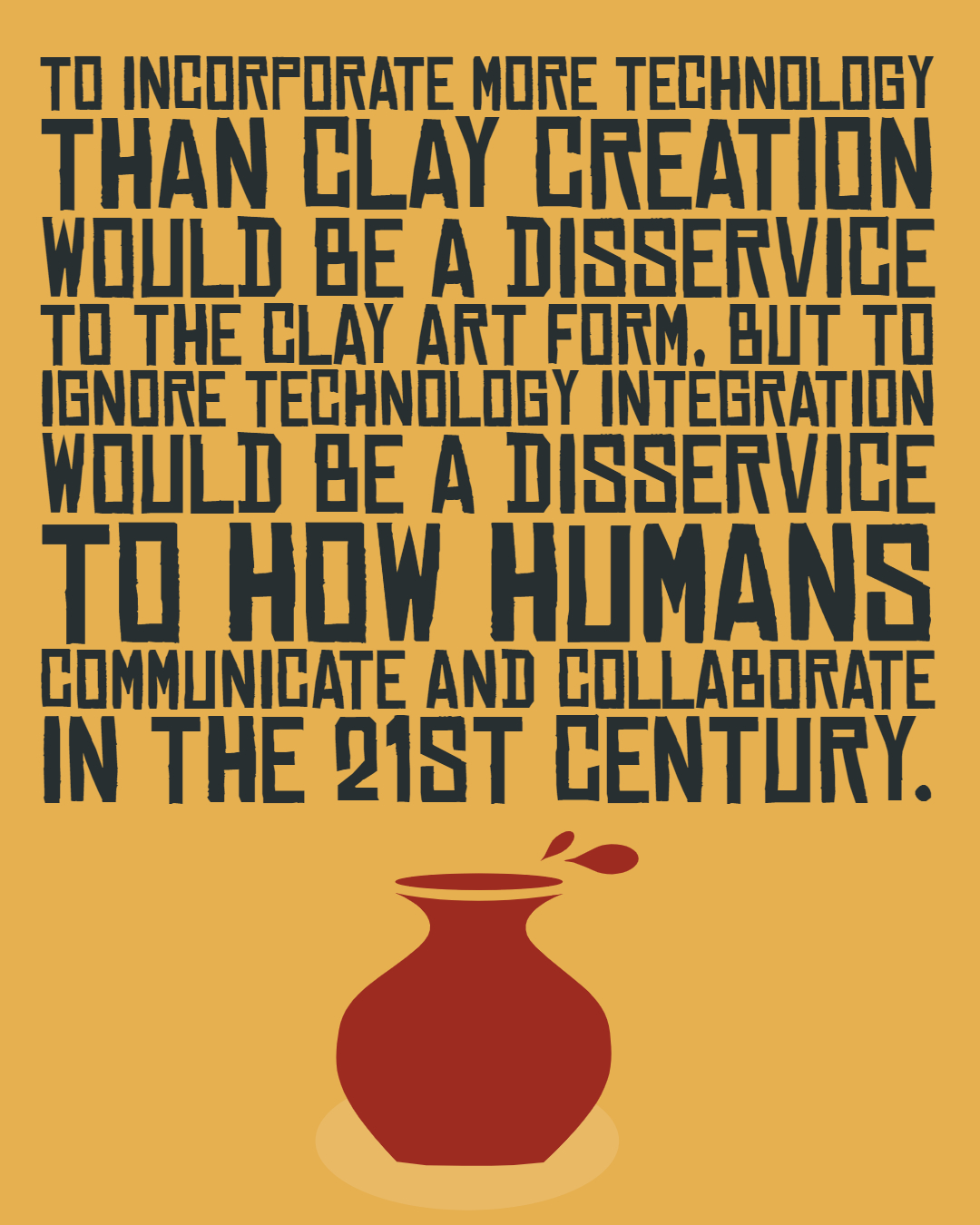
I would like to have the opportunity to collaborate with teachers and other industry professionals to share my technology integration knowledge and hopefully I can be helpful to those who are ready to integrate technology into their practice.
As an art teacher, a huge take away for me was how I can integrate appropriate technologies into my ceramics courses and any art course, to create engaging lessons that are balanced with clay and art creations and technology.
Professional Development Growth
This course has been a valuable professional development experience for me as an Art and CTE instructor. I have begun incorporating webpage creating into my high school curriculum and I can provide quality instruction on creating a website to support students as they learn how to use webpages to showcase their skills and learning. My knowledge of applying effective technology integration methods to a ceramics course has grown, and I understand how to balance clay learning and technology with the needs of students. I have also grown professionally through the creation of three content area lessons from the course. You can visit the lessons with the links below.
Social Studies & Ceramics Lesson
English Language Learning & Ceramics
Science Learning & Ceramics Lesson
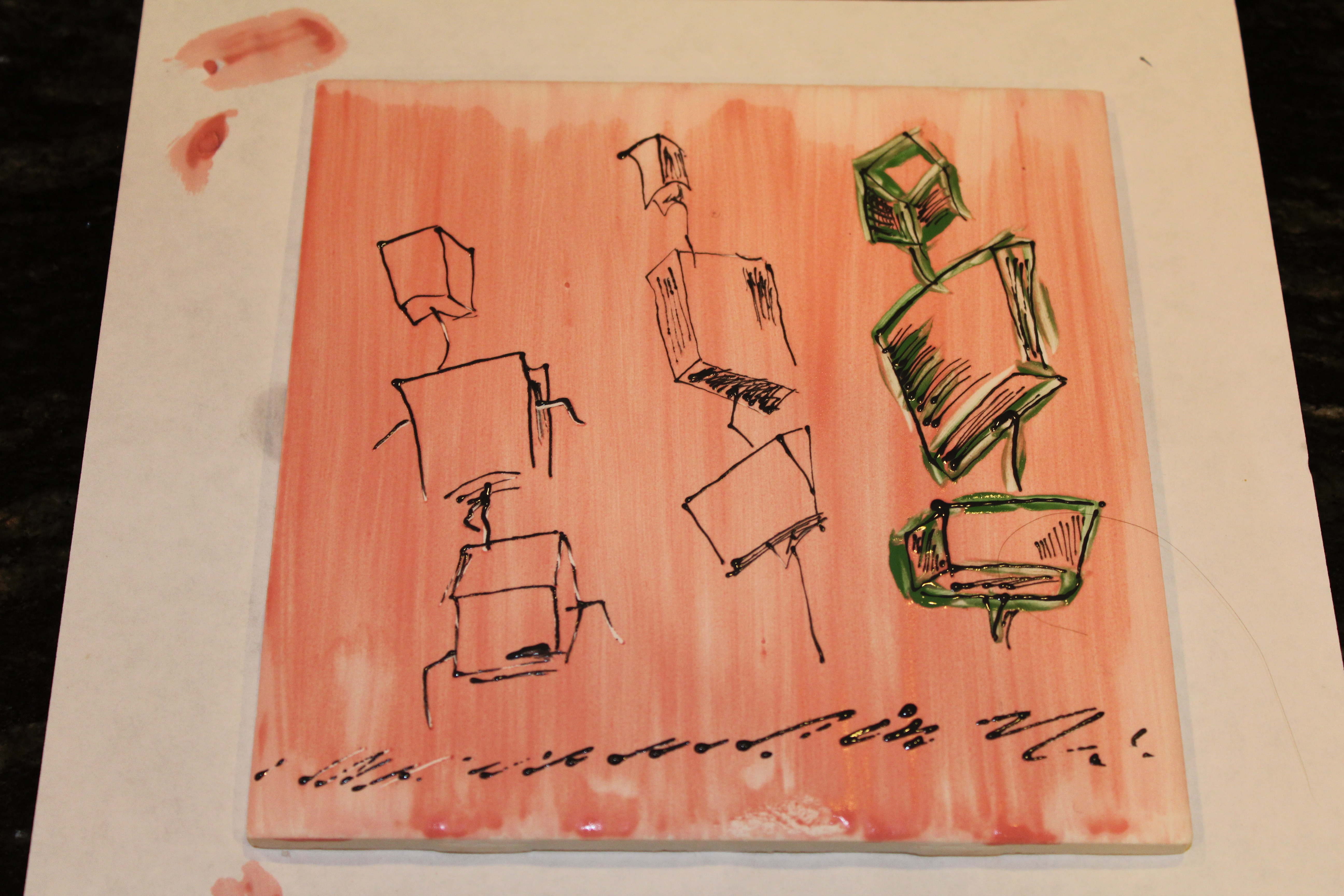
These three lessons were valuable experiences for me to understand and apply content and technology from areas other than art. Furthermore, with the knowledge I have gained through this course, I feel better equipped to collaborate with teachers in other disciplines & provide support in creating quality integrated lessons that are technology enhanced.
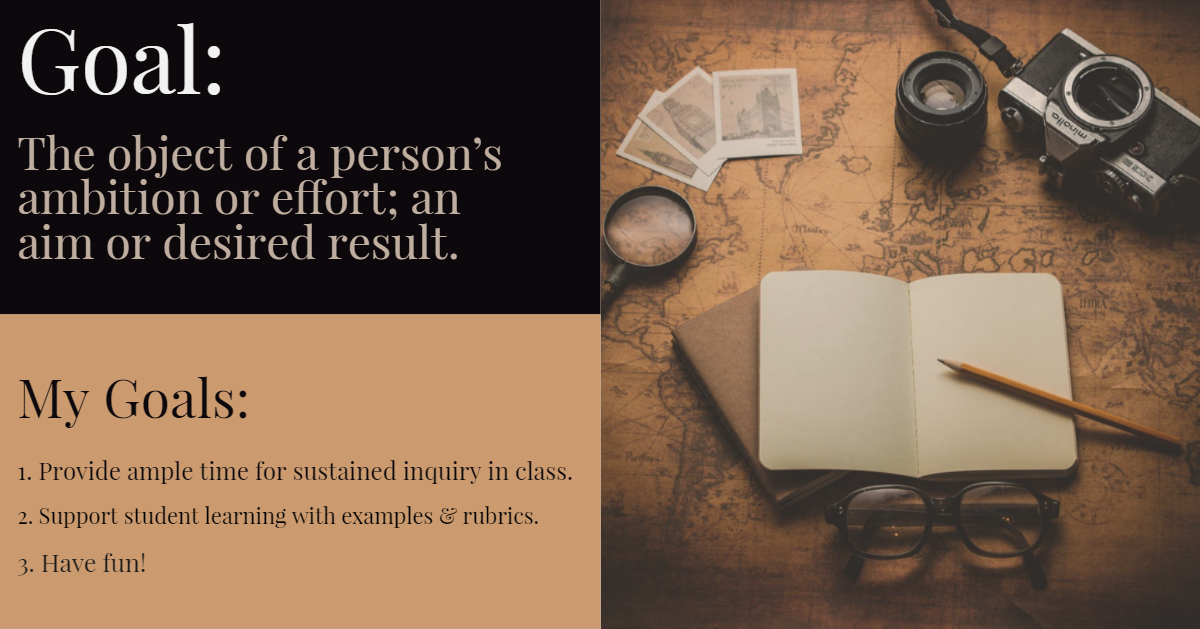
This course also helped me to realize the importance of having learners set and visualize goals. This has transformed the way I begin a semester and how I get to know my learners through their interests and goals for learning.
AECT Mastery Skills
Throughout the course, a variety of assignments touched on the AECT skills that are essential for Integration Technologists. Here is a breakdown of AECT standards and examples of how my course work demonstrated the mastery of these skills.
Teaching Practice Impacts
The lasting impact of this course will follow me through the rest of my career in education. I entered the M.E.T. program because after 18 years in the classroom, I felt my technology integration skills were not keeping up with what I saw happening in the real-world and in industry. My district does not provide adequate professional development in technology integration strategies and I felt like I was not providing my students with the technology skills they need to be successful outside of school.
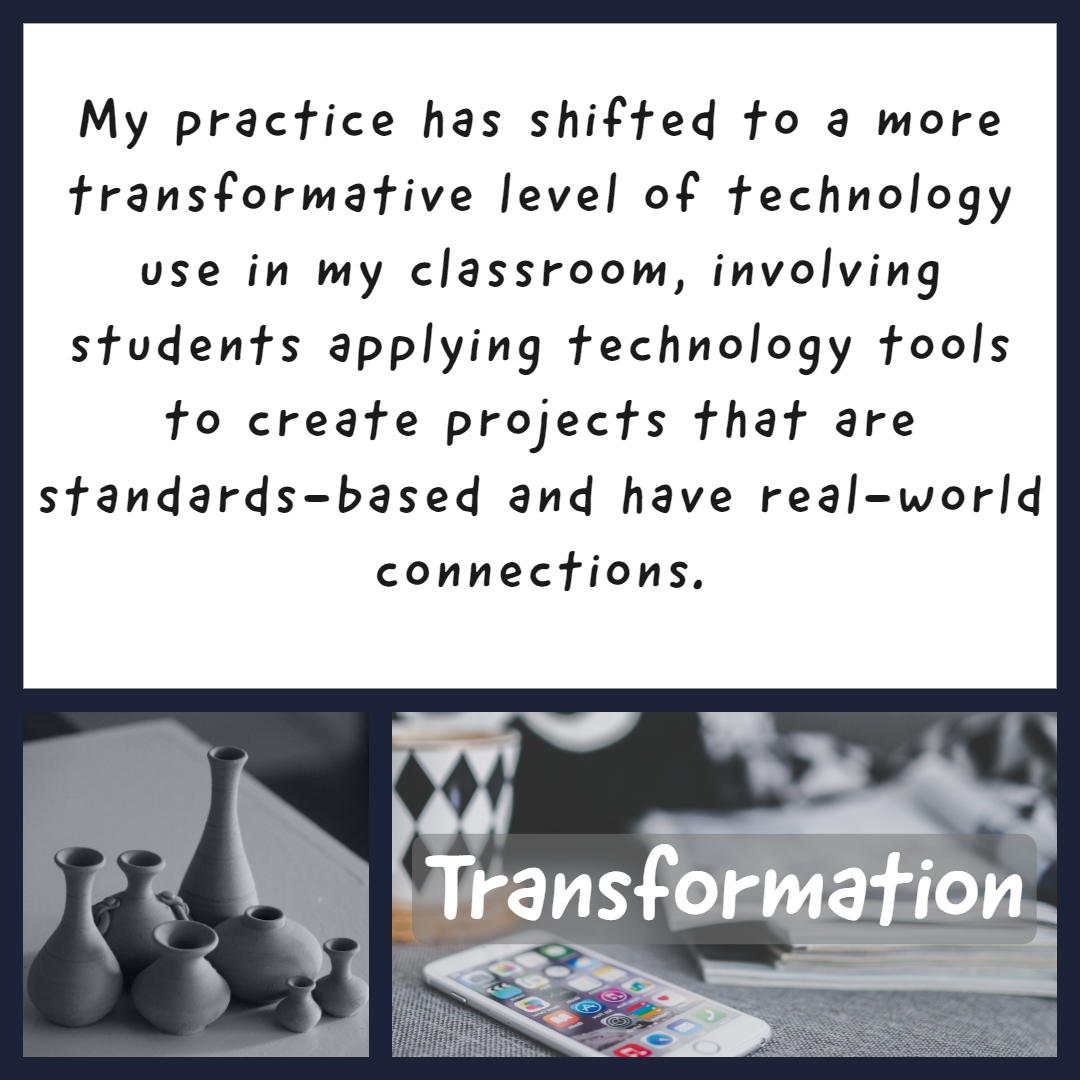
This course has guided my teaching practice by providing opportunities to research technology integrations that work in the classroom and to apply these into lessons that can be used and adapted in my classroom or other classrooms. Lastly, this course has helped prepare me for the possibility of a change in my career to something other than just teaching. My website with lessons, activities, and resources demonstrates my accomplishments in this course and it highlights my potential for supporting others with technology integration methods whether is it in the education field, in industry, or non-profits. Learning how to set up a successful blog and website has probably been the hugest professional development experience for me this semester. Having coded a website in a previous course helped me to comprehend the challenge of website design at the development level but this course allowed me to focus on quality content and let Weebly and WordPress guide the coding aspect of the platform, which was a huge advantage for creating quality of the projects rather than designing the structure of the actual website itself.
Theory
Social Constructivism guided most of my learning in this course, as I focused many of my lessons on Project-based learning with student activities and lessons involving primarily group work and collaborative techniques. Social constructivism supports student learning through discourse and collaboration, and I made all attempts to incorporate this into each activity whether it was research, project creation, discussion, literature circles, critiques, or feedback sessions. Integrating technology into these activities was straightforward in some cases but challenging for others. Ceramics is a very independent activity for most artist and it is an expression of self and skill. To transform a ceramics course into a technology integration experience has been an enormous challenge. Social constructivism and ceramics could be considered opposites, but I pushed myself to incorporate as much technology integration as possible into the elements of a ceramics course that were a good fit.
Part 2: Blog Assessment
The chart below is my assessment of my blog performance for this course. There were a few areas I could have improved. I would have liked to posted my blog earlier in the week and had more time for posting comments on more than just two blogs, but I did add thorough comments each time and it was valuable to choose two and read them thoroughly. I struggled with the VoiceThread blog due to technical difficulties and ended up recording it four times to get it right. That software is something I need more practice with. I ended up using my i-pad to do it instead of my normal computer for the Voice Thread.
Link to my rubric for the blog assessment.
Not many people read and commented on my blog in the course, probably because my posts were long and my content area of ceramics is something most teachers are not often interested in. Also, I often posted mine on Monday evenings and although they were on time it was towards the end of the due date time. I spent an enormous amount of time of this course, because I could see the potential for me and my students in the learning opportunities. It was hard to manage my full time teaching load, family and two graduate courses this semester.

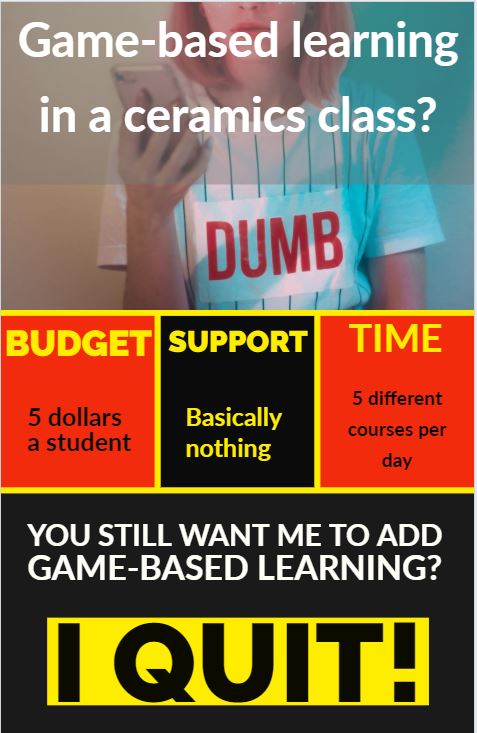
I have a busy teaching schedule of 5 different subjects a day, I commute quite a distance to work, I have a family to take care of and their dad lives and works on mountains around the world, so I am busy. This time around, his guiding job is longer and further away, so it has added a lot to my plate, but it is what it is…
Back to the course… I am already using my lessons I created and I am hopeful that the website in my final portfolio might be a starting point to help me transition into a new career.
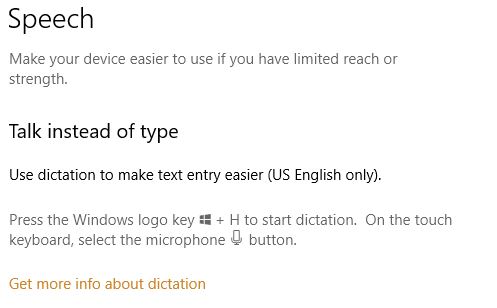
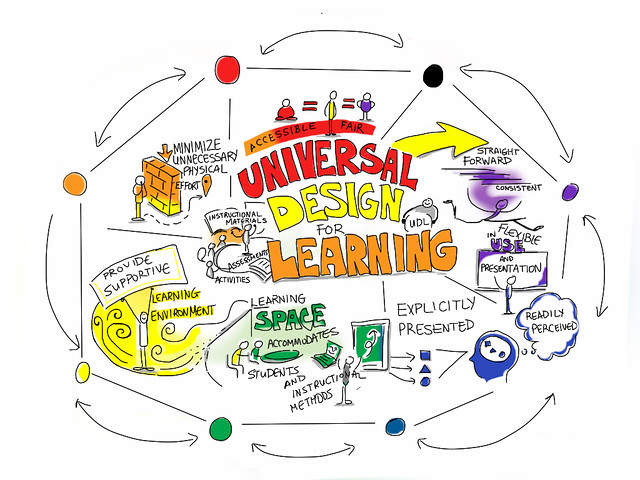
 There are obstacles to integrating technology into ceramics and some of these obstacles are common across many disciplines. With my chosen content of ceramics, I have found that integrating ceramics with both other disciplines & technology has been the most difficult struggle. Crafting technology integrated activities and lessons that are worthwhile to learners when the main content focus is clay as a material for projects has also been difficult because the focus is ceramics, not technology in my mind and from my experiences with art and ceramics. If I were to have chosen Art instead of specifically ceramics, the opportunities for more variety of integrated technology opportunities would have been more vast. There are more technology tools and apps for Art in general than specifically, ceramics. Another obstacle in integrating ceramics and technology is that there are few technologies specifically designed for ceramics integration so I have had to be very creative in how I set up my projects.
 Ok, that image is a bit dramatic, but it the way I feel most of the time in my job. People don’t really care about art and it takes a back seat. However, I find that most of my student do care about what we do in class and what they learn and they put time and effort into their art. For them (and me) art should not be the back seat in instruction or the additional piece to the lesson, but that has been an obstacle for me for my entire teaching career because arts integration is n
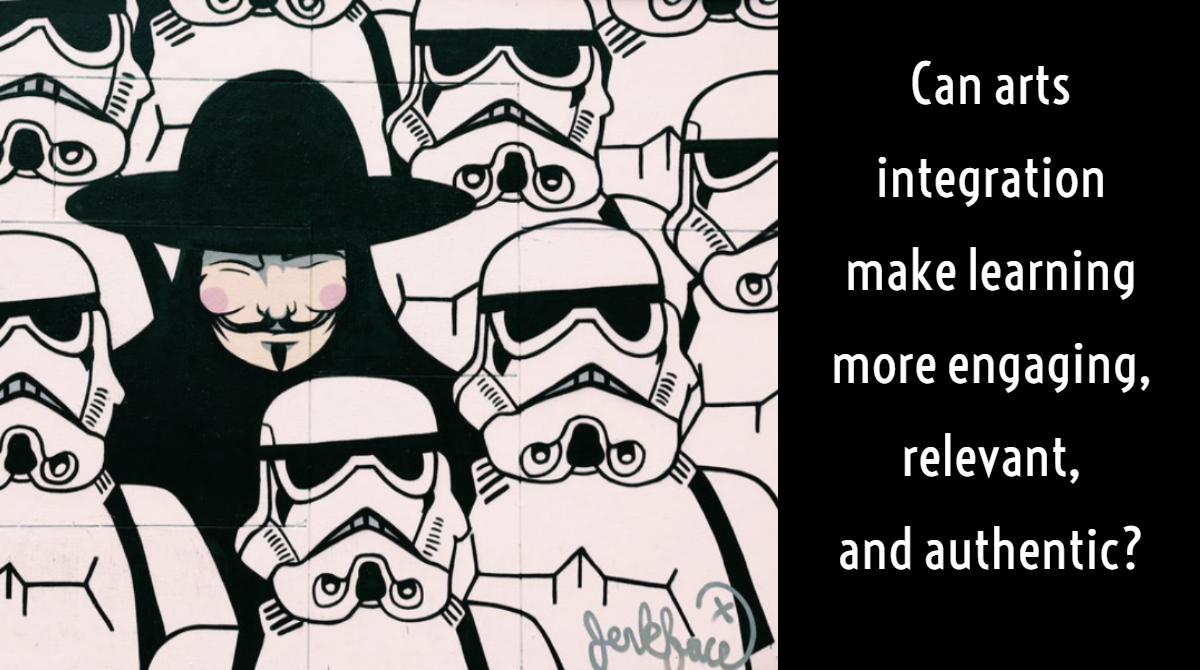
 I strongly believe that arts integration can be beneficial to student learning, as it can connect disciplines and concepts in learner’s experiences. Often connections are not distinctly made in a classroom due to the manner in which subjects are taught separately in most American Schools. Interdisciplinary thinking across subjects was mentioned in her article and the idea that dividing learning into fragments across a students day hinders connections in learning. (Baker, 2013).

 Games…the excitement, the rewards in the brain for leveling up and getting prizes, the colors, sounds, the escape from the real world…It’s all there in a digital game for many people. In my classrooms I see kids sneak onto online games to avoid doing their work and then when they are behind in their work and have a D or F their parents wonder why the teacher is so bad at teaching their precious child.

 Acceptable Use Policies (AUP) are basically the rules of using technology in an organization, workplace, school, or membership. It usually consists of documents that outline how people are expected to use a network to communicate with each other and how the system (hardware and software) are used in combination to aid in communications or technology functions.


 Amy's EdTech 541 Blog Spring 2019
